NAME
browser-cli — AI agent browser automation tool that just works
SYNOPSIS
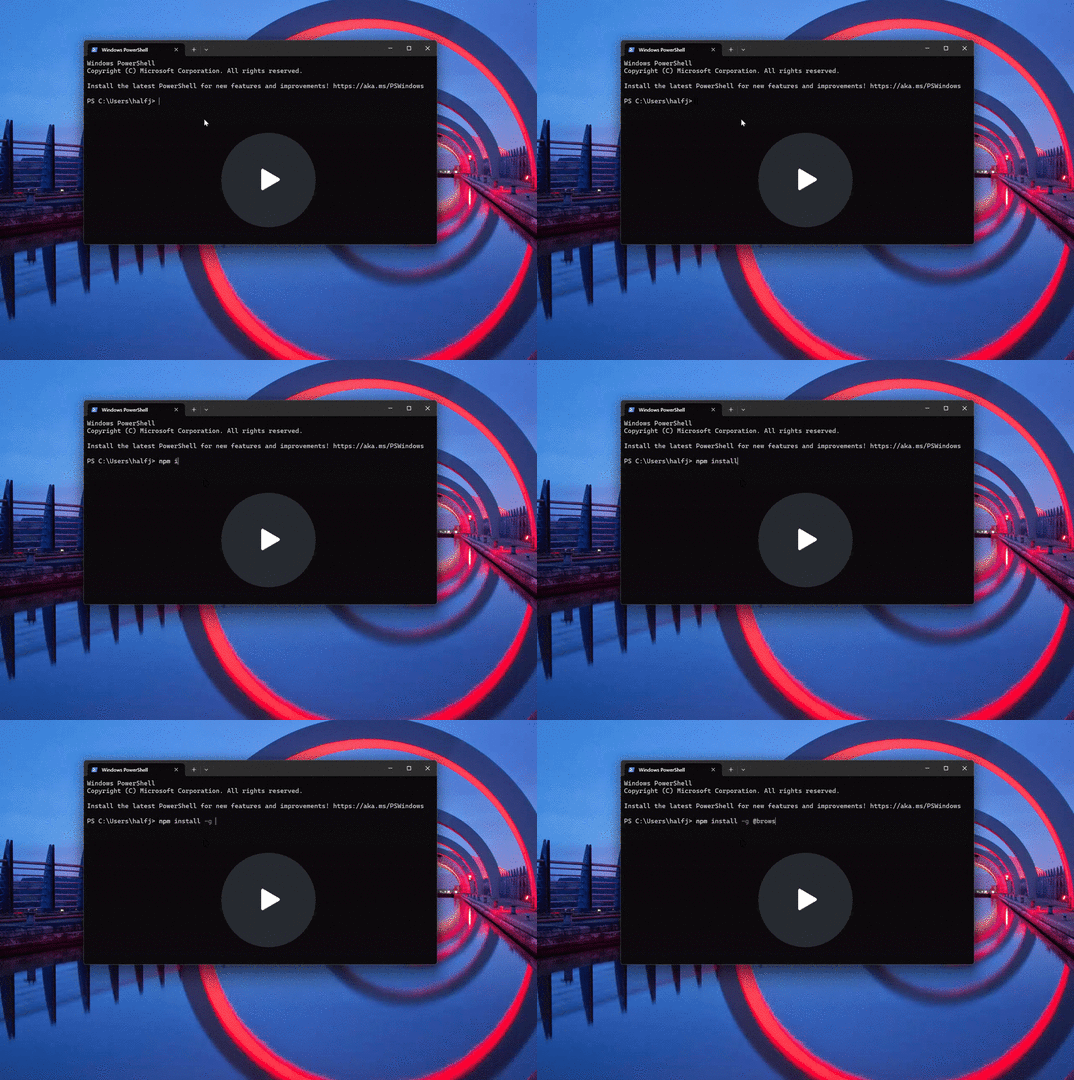
npm install -g @browsemake/browser-cliINFO
DESCRIPTION
AI agent browser automation tool that just works
README
Browser CLI


br is a command line tool used by any capable LLM agent, like ChatGPT, Claude Code or Gemini CLI.
https://www.npmjs.com/package/@browsemake/browser-cli
Why Broswer CLI?
- Just works: simply browser automation, coding not required, leave the rest workflow to the most powerful LLM agent
- AI first: designed for LLM agent, readable view from HTML, and error hint
- Secure: can be run locally, no credential passed to LLM
- Robust: browser persisted progress across session, and track history action for replay
Install
npm install -g @browsemake/browser-cli
Usage
Type instruction to AI agent (Gemini CLI / Claude Code / ChatGPT):
> You have browser automation tool 'br', use it to go to amazon to buy me a basketball
Use command line directly by human:
br start
br goto https://github.com/
Demos
Grocery (Go to Amazon and buy me a basketball)
Navigate to GitHub repo:
Print invoice
Download bank account statement
Search for job posting
Features
- Browser Action: Comprehensive action for browser automation (navigation, click, etc.)
- LLM friendly output: LLM friendly command output with error correction hint
- Daemon mode: Always-on daemon mode so it lives across multiple LLM sessions
- Structured web page view: Accessibility tree view for easier LLM interpretation than HTML
- Secret management: Secret management to isolate password from LLM
- History tracking: History tracking for replay and scripting
Command
Start the daemon
br start
If starting the daemon fails (for example due to missing Playwright browsers), the CLI prints the error output so you can diagnose the issue.
Navigate to a URL
br goto https://example.com
Click an element
br click "button.submit"
Commands that accept a CSS selector (like click, fill, scrollIntoView, type) can also accept a numeric ID. These IDs are displayed in the output of br view-tree and allow for direct interaction with elements identified in the tree.
Scroll element into view
br scrollIntoView "#footer"
Scroll to percentage of page
br scrollTo 50
Fill an input field
br fill "input[name='q']" "search text"
Fill an input field with a secret
MY_SECRET="top-secret" br fill-secret "input[name='password']" MY_SECRET
When retrieving page HTML with br view-html, any text provided via
fill-secret is masked to avoid exposing secrets.
Type text into an input
br type "input[name='q']" "search text"
Press a key
br press Enter
Scroll next/previous chunk
br nextChunk
br prevChunk
View page HTML
br view-html
View action history
br history
Clear action history
br clear-history
Capture a screenshot
br screenshot
View accessibility and DOM tree
br view-tree
Outputs a hierarchical tree combining accessibility roles with DOM element information. It also builds an ID-to-XPath map for quick element lookup.
List open tabs
br tabs
Switch to a tab by index
br switch-tab 1
Stop the daemon
br stop
The daemon runs a headless Chromium browser and exposes a small HTTP API. The CLI communicates with it to perform actions like navigation and clicking elements.