GTOP(1)
NAME
gtop — System monitoring dashboard for terminal
SYNOPSIS
INFO
9.9k stars
334 forks
0 views
JavaScriptSystem Monitoring
DESCRIPTION
System monitoring dashboard for terminal
README
gtop
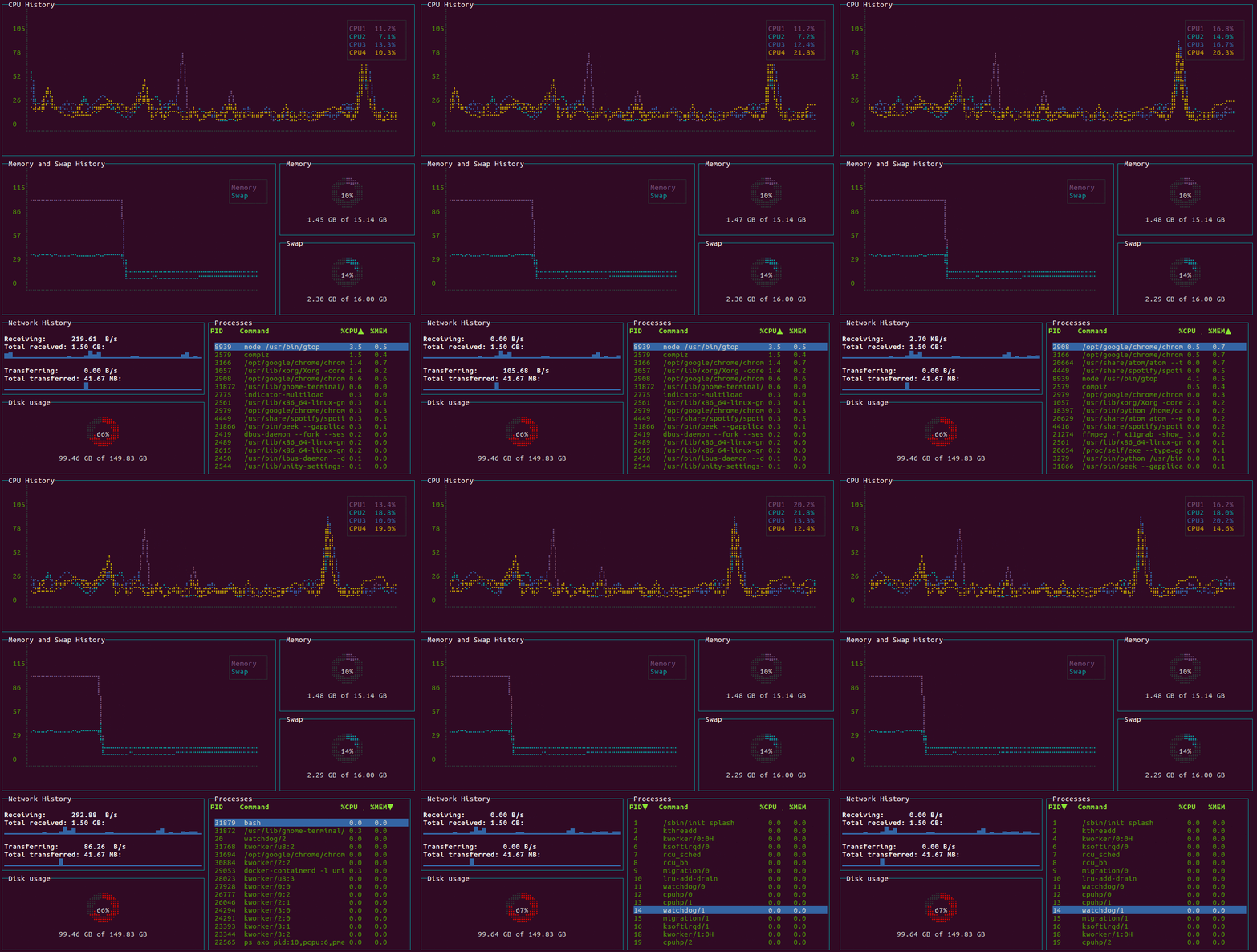
System monitoring dashboard for terminal.





Requirements
- Linux / OSX / Windows (partial support)
- Node.js >= v8
Installation
$ npm install gtop -g
Docker
You need to assign host net and pid to access the metrics in the host machine.
$ docker run --rm -it \
    --name gtop \
    --net="host" \
    --pid="host" \
    aksakalli/gtop
Usage
Start gtop with the gtop command
$ gtop
To stop gtop use q, or ctrl+c in most shell environments.
You can sort the process table by pressing
p: Process Idc: CPU usagem: Memory usage
Troubleshooting
If you see question marks or other different characters, try to run it with these environment variables:
$ LANG=en_US.utf8 TERM=xterm-256color gtop
License
Released under the MIT license.
SEE ALSO
pm2(1)— Node.js Production Process Manager with a built-in Load Balancer.bottom(1)— Yet another cross-platform graphical process/system monitorhtop(1)— An interactive process viewer for Unix systemsprocs(1)— A modern replacement for ps — human-readable process viewers-tui(1)— Terminal-based CPU stress and monitoring utility
clihub3/4/2026GTOP(1)