NAME
kkTerminal — A terminal for Web SSH connection
SYNOPSIS
INFO
DESCRIPTION
A terminal for Web SSH connection
README
kkTerminal
A terminal for Web SSH connection
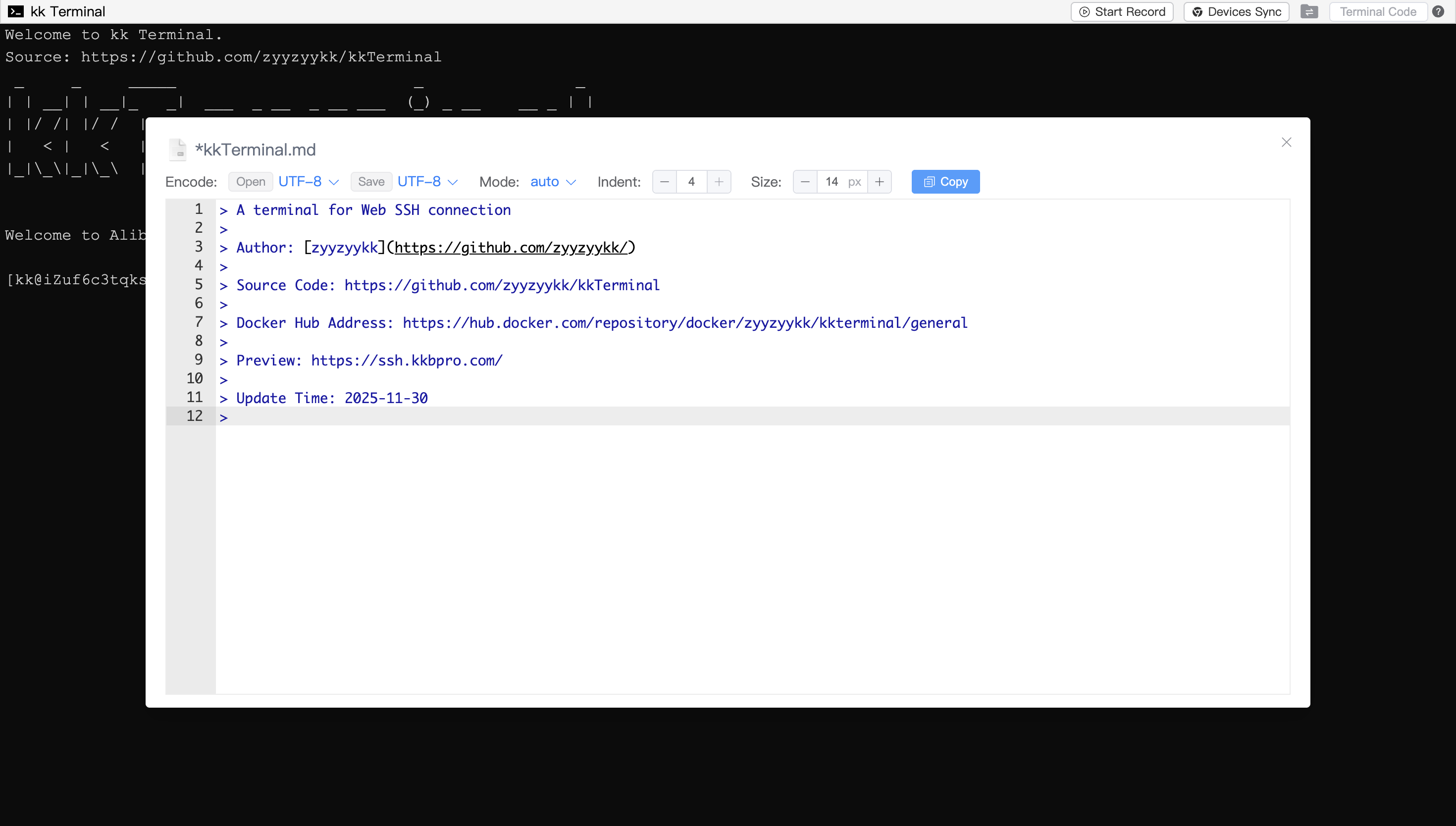
Author: zyyzyykk
Source Code: https://github.com/zyyzyykk/kkTerminal
Docker Hub Address: https://hub.docker.com/repository/docker/zyyzyykk/kkterminal/general
Preview: https://ssh.kkbpro.com/
Update Time: 2025-11-30






English | 简体中文
⚡ Quick integration
Using the HTML tag iframe in web pages to quick integration:
<iframe src="https://ssh.kkbpro.com/" height="600px" width="800px" ></iframe>
🐳 Deploy with Docker
- Pull image:
docker pull zyyzyykk/kkterminal
- Create and run a container:
docker run -d --name kkterminal \
-p 3000:3000 \
-e BANNER="kkTerminal" \
-e STORAGE="P5P1SIqVe6kaOxMX" \
-e PASSWORD="" \
-v /data/kkterminal/cloud:/cloud \
zyyzyykk/kkterminal
- Accessing in browser:
http://server-ip:3000/
👀 Preview
Visit this website: https://ssh.kkbpro.com/
💡 Function Description
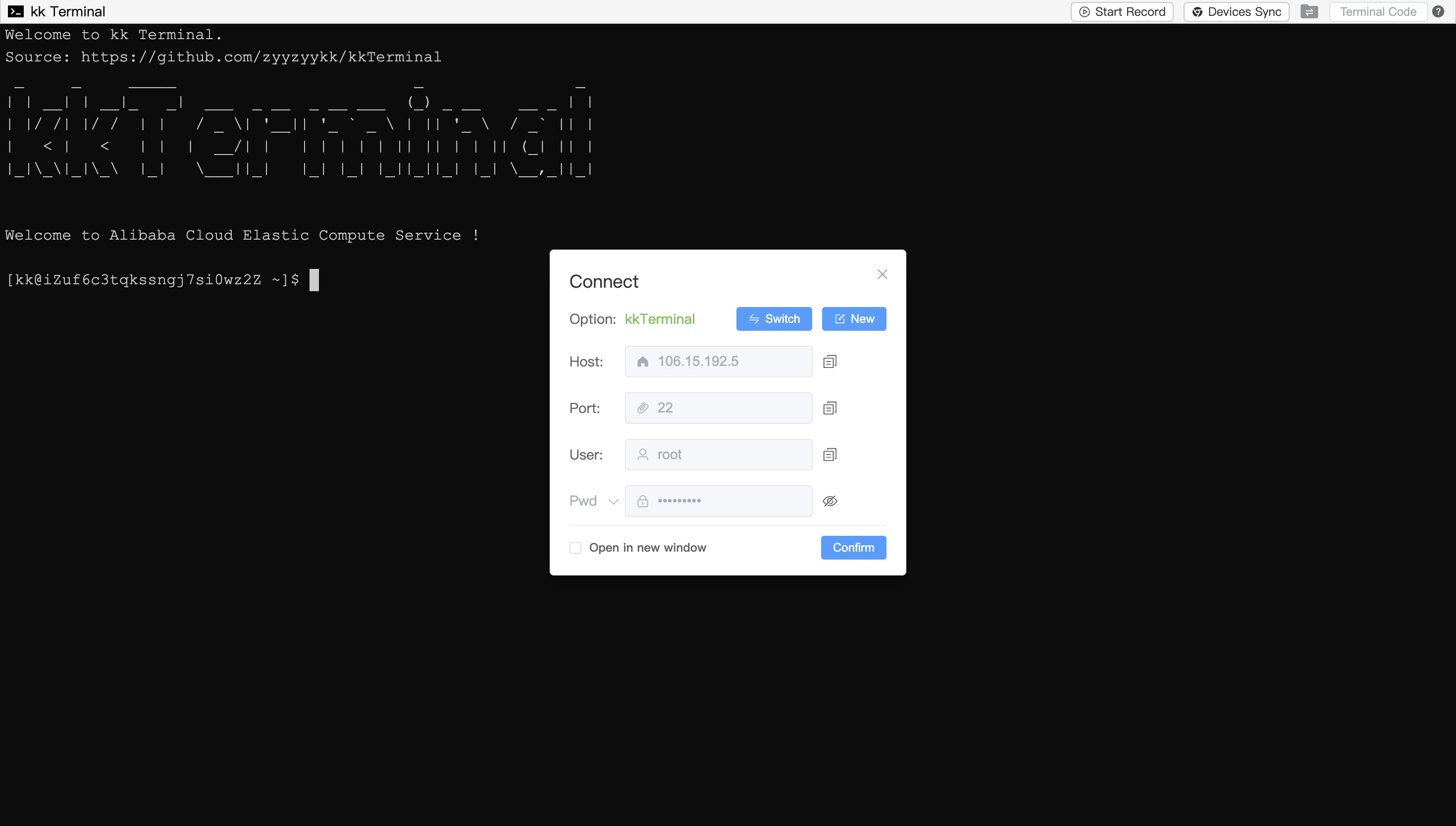
kkTerminal is a powerful terminal for Web SSH connection; Click on the terminal icon in the upper-left corner and select the connection settings to establish an SSH connection
Support the use of
iframetag in web pages for quick integration into third-party websitesSupport customizing terminal configuration through URL Parameters
Support internationalization and language switching between Chinese and English
Support local PC deployment, automatically opens browser window upon startup
Support adaptive window size and Chinese input
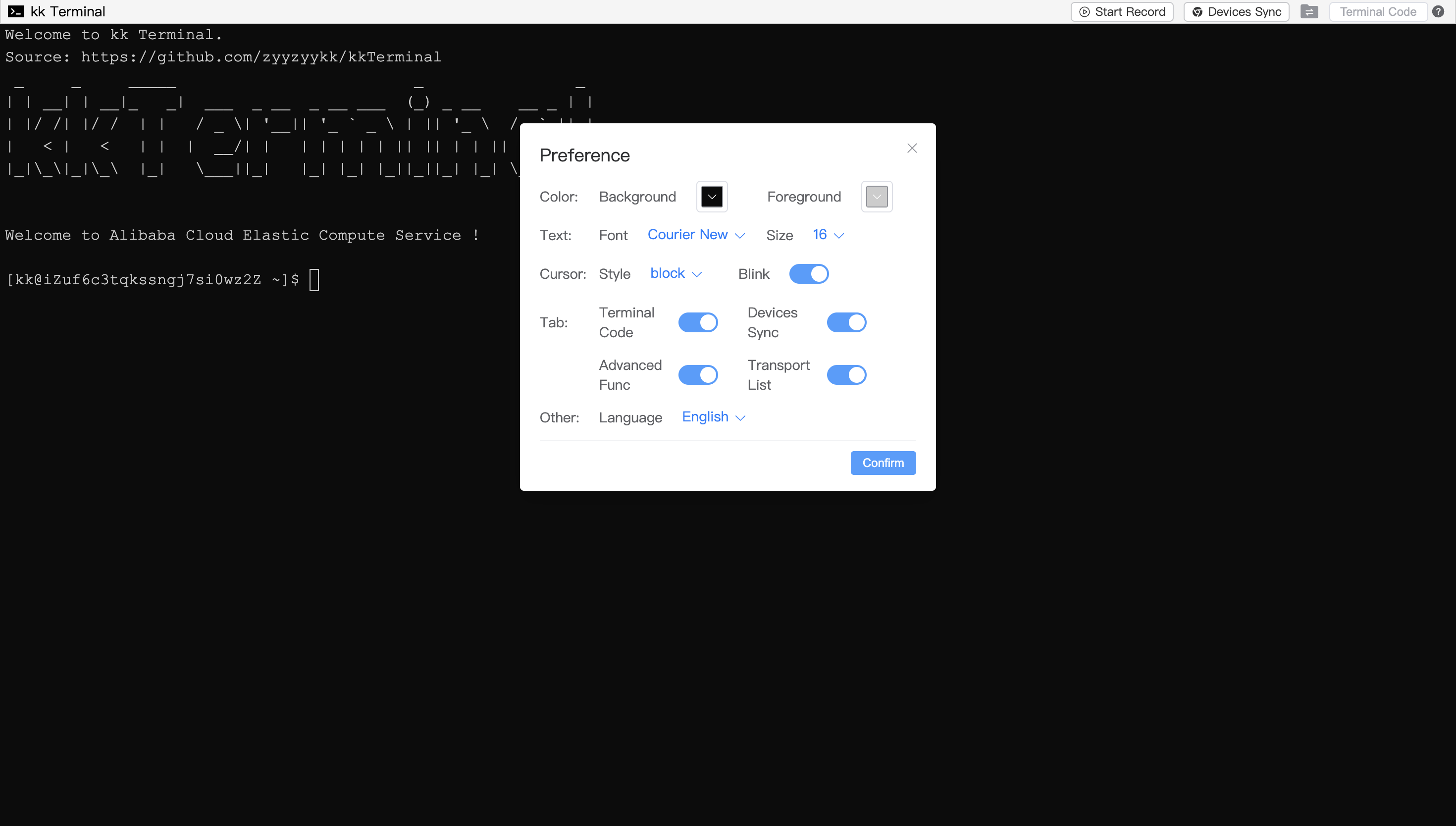
Support preference settings, such as choosing the terminal background/foreground color, font size, cursor display style, etc
Support automatically/manually restart
Support copy and paste:
Copy: Same as
Gitterminal, selecting text will automatically copy itPaste: Same as
Cmdterminal, right-click to paste (requires browser access permission)
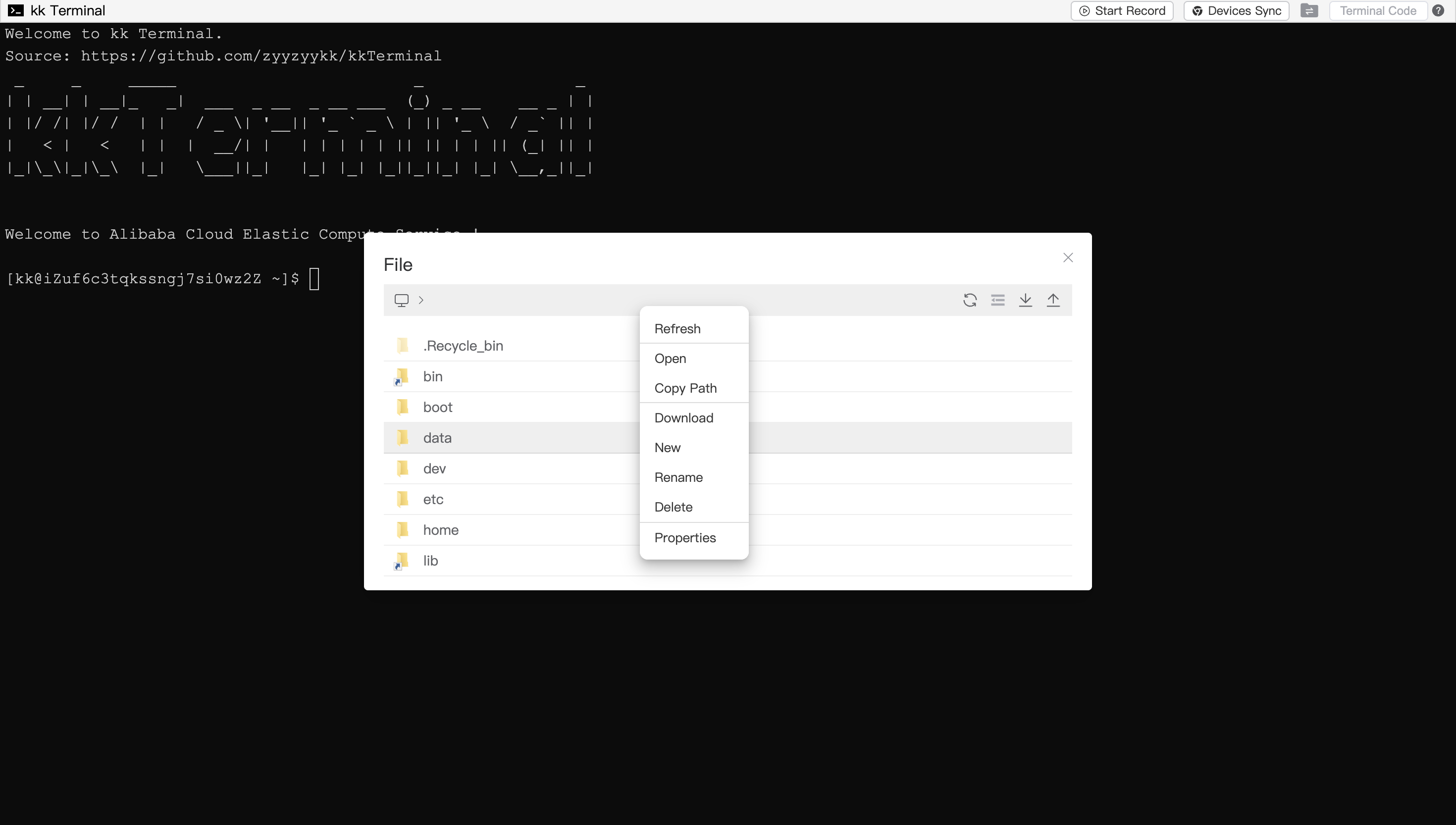
Support file management, open the File Management Module to view, decompress, upload and download files/folders
Support shortcut key operations such as multiple/all file selection, copy and paste, cut, selection switch, open, delete, etc
Support file browsing and editing, modify your file and save it to the remote server using
ctrl+sSupport Terminal Code,which can execute customized workflow
Support operation recording and devices synchronization functions
Support Cooperate, Monitor and Docker functions
Support access verify
👨💻 Update Records
zyyzyykk/kkterminal:3.7.6: latest
- Support more URL parameters
- Optimize file transfer process
- Add access verify function
- User Terminal Code file module adds API
- Docker module adds viewing container details
- Fix bug of data request exception in Docker module
- Optimize page display
- Enhance some functions
zyyzyykk/kkterminal:3.6.8:
- Add file transport list
- Add docker appStore
- Add logging function
- Optimize the overall encryption logic
- Some dialogs support left and right stretching to adjust width
- Optimize the encoding format for opening and saving in file editor
- User Terminal Code adds reserved values and file module API
- Refactoring some code and optimizing interface display
🧬 Architecture
+---------+     http      +-------------+    ssh     +---------------+
| browser | <===========> | kk Terminal | <========> | remote server |
+---------+   websocket   +-------------+    sftp    +---------------+
Vue + Xterm              SpringBoot + SSHJ                Linux OS
🏘️ About this project
[!Important]
kkTerminal will not actively record any information such as passwords, files, commands, etc which related to remote servers
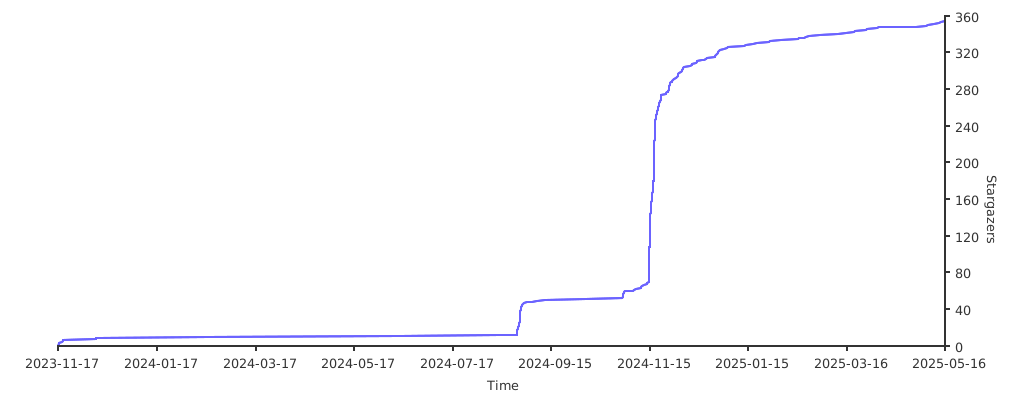
🌟 Stars