NAME
mcp2cli — Turn any MCP server or OpenAPI spec into a CLI — at runtime, with zero codegen
SYNOPSIS
pip install mcp2cliINFO
DESCRIPTION
Turn any MCP server or OpenAPI spec into a CLI — at runtime, with zero codegen
README
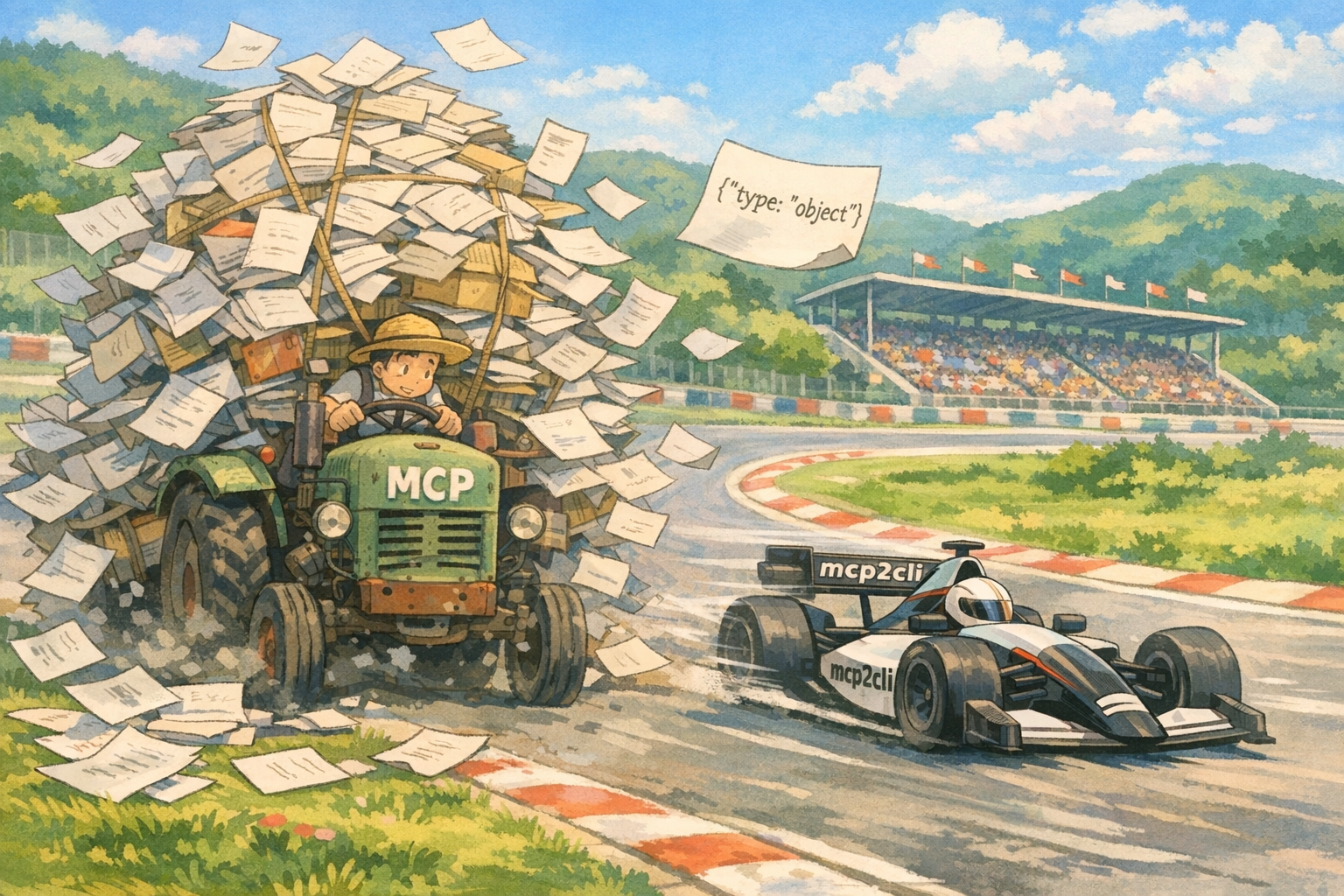
mcp2cli
Turn any MCP server or OpenAPI spec into a CLI — at runtime, with zero codegen.
Save 96–99% of the tokens wasted on tool schemas every turn.
Read the full writeup →
Install
pip install mcp2cliOr run directly without installing
uvx mcp2cli --help
AI Agent Skill
mcp2cli ships with an installable skill that teaches AI coding agents (Claude Code, Cursor, Codex) how to use it. Once installed, your agent can discover and call any MCP server or OpenAPI endpoint — and even generate new skills from APIs.
npx skills add knowsuchagency/mcp2cli --skill mcp2cli
After installing, try prompts like:
mcp2cli --mcp https://mcp.example.com/sse— interact with an MCP servermcp2cli create a skill for https://api.example.com/openapi.json— generate a skill from an API
Usage
MCP HTTP/SSE mode
# Connect to an MCP server over HTTP mcp2cli --mcp https://mcp.example.com/sse --listCall a tool
mcp2cli --mcp https://mcp.example.com/sse search --query "test"
With auth header
mcp2cli --mcp https://mcp.example.com/sse --auth-header "x-api-key:sk-..."
query --sql "SELECT 1"Force a specific transport (skip streamable HTTP fallback dance)
mcp2cli --mcp https://mcp.example.com/sse --transport sse --list
OAuth authentication
MCP servers that require OAuth are supported out of the box. mcp2cli handles token acquisition, caching, and refresh automatically.
# Authorization code + PKCE flow (opens browser for login) mcp2cli --mcp https://mcp.example.com/sse --oauth --listClient credentials flow (machine-to-machine, no browser)
mcp2cli --mcp https://mcp.example.com/sse
--oauth-client-id "my-client-id"
--oauth-client-secret "my-secret"
search --query "test"With specific scopes
mcp2cli --mcp https://mcp.example.com/sse --oauth --oauth-scope "read write" --list
Tokens are persisted in ~/.cache/mcp2cli/oauth/ so subsequent calls reuse existing tokens
and refresh automatically when they expire.
Secrets from environment or files
Sensitive values (--auth-header values, --oauth-client-id, --oauth-client-secret) support
env: and file: prefixes to avoid passing secrets as CLI arguments (which are visible in
process listings):
# Read from environment variable mcp2cli --mcp https://mcp.example.com/sse \ --auth-header "Authorization:env:MY_API_TOKEN" \ --listRead from file
mcp2cli --mcp https://mcp.example.com/sse
--oauth-client-secret "file:/run/secrets/client_secret"
--oauth-client-id "my-client-id"
--listWorks with secret managers that inject env vars
fnox exec -- mcp2cli --mcp https://mcp.example.com/sse
--oauth-client-id "env:OAUTH_CLIENT_ID"
--oauth-client-secret "env:OAUTH_CLIENT_SECRET"
--list
MCP stdio mode
# List tools from an MCP server mcp2cli --mcp-stdio "npx @modelcontextprotocol/server-filesystem /tmp" --listCall a tool
mcp2cli --mcp-stdio "npx @modelcontextprotocol/server-filesystem /tmp"
read-file --path /tmp/hello.txtPass environment variables to the server process
mcp2cli --mcp-stdio "node server.js" --env API_KEY=sk-... --env DEBUG=1
search --query "test"
OpenAPI mode
# List all commands from a remote spec mcp2cli --spec https://petstore3.swagger.io/api/v3/openapi.json --listCall an endpoint
mcp2cli --spec ./openapi.json --base-url https://api.example.com list-pets --status available
With auth
mcp2cli --spec ./spec.json --auth-header "Authorization:Bearer tok_..." create-item --name "Test"
POST with JSON body from stdin
echo '{"name": "Fido", "tag": "dog"}' | mcp2cli --spec ./spec.json create-pet --stdin
Local YAML spec
mcp2cli --spec ./api.yaml --base-url http://localhost:8000 --list
Output control
# Pretty-print JSON (also auto-enabled for TTY) mcp2cli --spec ./spec.json --pretty list-petsRaw response body (no JSON parsing)
mcp2cli --spec ./spec.json --raw get-data
Pipe-friendly (compact JSON when not a TTY)
mcp2cli --spec ./spec.json list-pets | jq '.[] | .name'
TOON output — token-efficient encoding for LLM consumption
Best for large uniform arrays (40-60% fewer tokens than JSON)
mcp2cli --mcp https://mcp.example.com/sse --toon list-tags
Caching
Specs and MCP tool lists are cached in ~/.cache/mcp2cli/ with a 1-hour TTL by default.
# Force refresh mcp2cli --spec https://api.example.com/spec.json --refresh --listCustom TTL (seconds)
mcp2cli --spec https://api.example.com/spec.json --cache-ttl 86400 --list
Custom cache key
mcp2cli --spec https://api.example.com/spec.json --cache-key my-api --list
Override cache directory
MCP2CLI_CACHE_DIR=/tmp/my-cache mcp2cli --spec ./spec.json --list
Local file specs are never cached.
CLI reference
mcp2cli [global options] <subcommand> [command options]Source (mutually exclusive, one required): --spec URL|FILE OpenAPI spec (JSON or YAML, local or remote) --mcp URL MCP server URL (HTTP/SSE) --mcp-stdio CMD MCP server command (stdio transport)
Options: --auth-header K:V HTTP header (repeatable, value supports env:/file: prefixes) --base-url URL Override base URL from spec --transport TYPE MCP HTTP transport: auto|sse|streamable (default: auto) --env KEY=VALUE Env var for MCP stdio server (repeatable) --oauth Enable OAuth (authorization code + PKCE flow) --oauth-client-id ID OAuth client ID (supports env:/file: prefixes) --oauth-client-secret S OAuth client secret (supports env:/file: prefixes) --oauth-scope SCOPE OAuth scope(s) to request --cache-key KEY Custom cache key --cache-ttl SECONDS Cache TTL (default: 3600) --refresh Bypass cache --list List available subcommands --pretty Pretty-print JSON output --raw Print raw response body --toon Encode output as TOON (token-efficient for LLMs) --version Show version
Subcommands and their flags are generated dynamically from the spec or MCP server tool definitions. Run <subcommand> --help for details.
The problem: tool sprawl is eating your tokens
If you've connected an LLM to more than a handful of tools, you've felt the pain. Every MCP server, every OpenAPI endpoint — their full schemas get injected into the system prompt on every single turn. Your 50-endpoint API costs 3,579 tokens of context before the conversation even starts, and that bill is paid again on every message, whether the model touches those tools or not.
This isn't a theoretical concern. 6 MCP servers with 84 tools consume ~15,540 tokens at session start. Converting those servers to CLIs and letting the LLM discover tools on-demand can slash that cost by 92-98%.
Even Anthropic recognized the problem, building Tool Search directly into their API — a deferred-loading pattern where tools are marked defer_loading: true and Claude discovers them via a search index (500 tokens) instead of loading all schemas upfront. It typically cuts token usage by 85%. But when Tool Search fetches a tool, the full JSON Schema still enters context (121 tokens/tool).
mcp2cli takes the CLI approach further.
What mcp2cli adds
The idea is simple: give the LLM a CLI instead of raw tool schemas, and let it --list and --help its way to what it needs. mcp2cli builds on this with a few key differences:
- No codegen, no recompilation. Point mcp2cli at a spec URL or MCP server and the CLI exists immediately. When the server adds new endpoints, they appear on the next invocation — no rebuild step, no generated code to commit.
- Provider-agnostic. Tool Search is an Anthropic API feature. mcp2cli works with any LLM — Claude, GPT, Gemini, local models — because it's just a CLI tool the model can shell out to.
- Compact discovery. Tool Search defers loading but still injects full JSON schemas when a tool is fetched (~121 tokens/tool). mcp2cli's
--helpreturns human-readable text that's typically cheaper than the raw schema, and--listsummaries cost ~16 tokens/tool vs ~121 for native schemas. - OpenAPI support. MCP isn't the only schema-rich protocol. mcp2cli handles OpenAPI specs (JSON or YAML, local or remote) with the same CLI interface, the same caching, and the same on-demand discovery. One tool for both worlds.
- Spec caching with TTL control. Fetched specs and MCP tool lists are cached locally with configurable TTL, so repeated invocations don't hit the network.
--refreshbypasses the cache when you need it.
The numbers: how much context do you actually save?
We measured this. Not estimates — actual token counts using the cl100k_base tokenizer against real schemas, verified by an automated test suite.
What mcp2cli actually costs
Let's be upfront about what mcp2cli adds to context. It's not zero — it's just dramatically less than injecting full schemas.
| Component | Cost | When |
|---|---|---|
| System prompt | 67 tokens | Every turn (fixed) |
--list output | ~16 tokens/tool | Once per conversation |
--help output | ~80-200 tokens/tool | Once per unique tool used |
| Tool call output | same as native | Per call |
The --list cost scales linearly with the number of tools — 30 tools costs ~464 tokens, 120 tools costs ~1,850 tokens. This is still 7-8x cheaper than the full schemas, and you only pay it once.
Compare that to native MCP injection: ~121 tokens per tool, every single turn, whether the model uses those tools or not. For OpenAPI endpoints, it's ~72 tokens per endpoint per turn.
Over a full conversation
Here's the total token cost across a realistic multi-turn conversation. The mcp2cli column includes all overhead: the system prompt on every turn, one --list discovery, --help for each unique tool the LLM actually uses, and tool call outputs.
MCP servers:
| Scenario | Turns | Unique tools used | Native total | mcp2cli total | Saved |
|---|---|---|---|---|---|
| Task manager (30 tools) | 15 | 5 | 54,525 | 2,309 | 96% |
| Multi-server (80 tools) | 20 | 8 | 193,360 | 3,897 | 98% |
| Full platform (120 tools) | 25 | 10 | 362,350 | 5,181 | 99% |
OpenAPI specs:
| Scenario | Turns | Unique endpoints used | Native total | mcp2cli total | Saved |
|---|---|---|---|---|---|
| Petstore (5 endpoints) | 10 | 3 | 3,730 | 1,199 | 68% |
| Medium API (20 endpoints) | 15 | 5 | 21,720 | 1,905 | 91% |
| Large API (50 endpoints) | 20 | 8 | 71,940 | 2,810 | 96% |
| Enterprise API (200 endpoints) | 25 | 10 | 358,425 | 3,925 | 99% |
A 120-tool MCP platform over 25 turns: 357,169 tokens saved.
Turn-by-turn: watching the gap widen
Here's a 30-tool MCP server over 10 turns. The mcp2cli column includes the real costs: --list discovery on turn 1, --help + tool output when each new tool is first used.
Turn   Native       mcp2cli      Savings
──────────────────────────────────────────────────────────
1      3,619        531          3,088       ← --list (464 tokens)
2      7,238        598          6,640
3      10,887       815          10,072      ← --help (120) + tool call
4      14,506       882          13,624
5      18,155       1,099        17,056      ← --help (120) + tool call
6      21,774       1,166        20,608
7      25,423       1,383        24,040      ← --help (120) + tool call
8      29,042       1,450        27,592
9      32,691       1,667        31,024      ← --help (120) + tool call
10     36,310       1,734        34,576
Total: 34,576 tokens saved (95.2%)
Why the gap is so large
Native MCP approach — pay the full schema tax on every turn:
System prompt: "You have these 30 tools: [3,619 tokens of JSON schemas]"
  → 3,619 tokens consumed per turn, whether used or not
  → 10 turns = 36,310 tokens
mcp2cli approach — pay only for what you use:
System prompt: "Use mcp2cli --mcp <url> <command> [--flags]"   (67 tokens/turn)
  → mcp2cli --mcp <url> --list                                (464 tokens, once)
  → mcp2cli --mcp <url> create-task --help                    (120 tokens, once per tool)
  → mcp2cli --mcp <url> create-task --title "Fix bug"         (0 extra tokens)
  → 10 turns, 4 unique tools = 1,734 tokens
The LLM discovers what it needs, when it needs it. Everything else stays out of context.
The multi-server problem
This is where it really hurts. Connect 3 MCP servers (a task manager, a filesystem server, and a database server — 60 tools total) and you're paying 7,238 tokens per turn. Over a 20-turn conversation, that's 145,060 tokens just for tool schemas. mcp2cli reduces that to 3,288 tokens — a 97.7% reduction — even after accounting for --list discovery (928 tokens) and --help for 6 unique tools (720 tokens).
How it works
- Load -- Fetch the OpenAPI spec or connect to the MCP server. Resolve
$refs. Cache for reuse. - Extract -- Walk the spec paths/tools and produce a uniform list of command definitions with typed parameters.
- Build -- Generate an argparse parser with subcommands, flags, types, choices, and help text.
- Execute -- Dispatch the parsed args as an HTTP request (OpenAPI) or tool call (MCP).
Both adapters produce the same internal CommandDef structure, so the CLI builder and output handling are shared.
Development
# Install with test + MCP deps uv sync --extra testRun tests (96 tests covering OpenAPI, MCP stdio, MCP HTTP, caching, and token savings)
uv run pytest tests/ -v
Run just the token savings tests
uv run pytest tests/test_token_savings.py -v -s
License
mcp2cli builds on ideas from CLIHub by Kagan Yilmaz (CLI-based tool access for token efficiency)