NAME
palettum — Web app and CLI tool that lets you recolor images, GIFs, and videos with any custom palette of your choosing
SYNOPSIS
brew install palettumINFO
DESCRIPTION
Web app and CLI tool that lets you recolor images, GIFs, and videos with any custom palette of your choosing
README
Palettum is a web app and CLI tool that lets you recolor images, GIFs, and videos with any custom palette of your choosing.
It lets you apply any custom palette by either snapping each pixel to its closest color (ideal for pixel-art styles), or blending the palette as a filter for a smoother effect.
Examples
[!NOTE] Unfinished
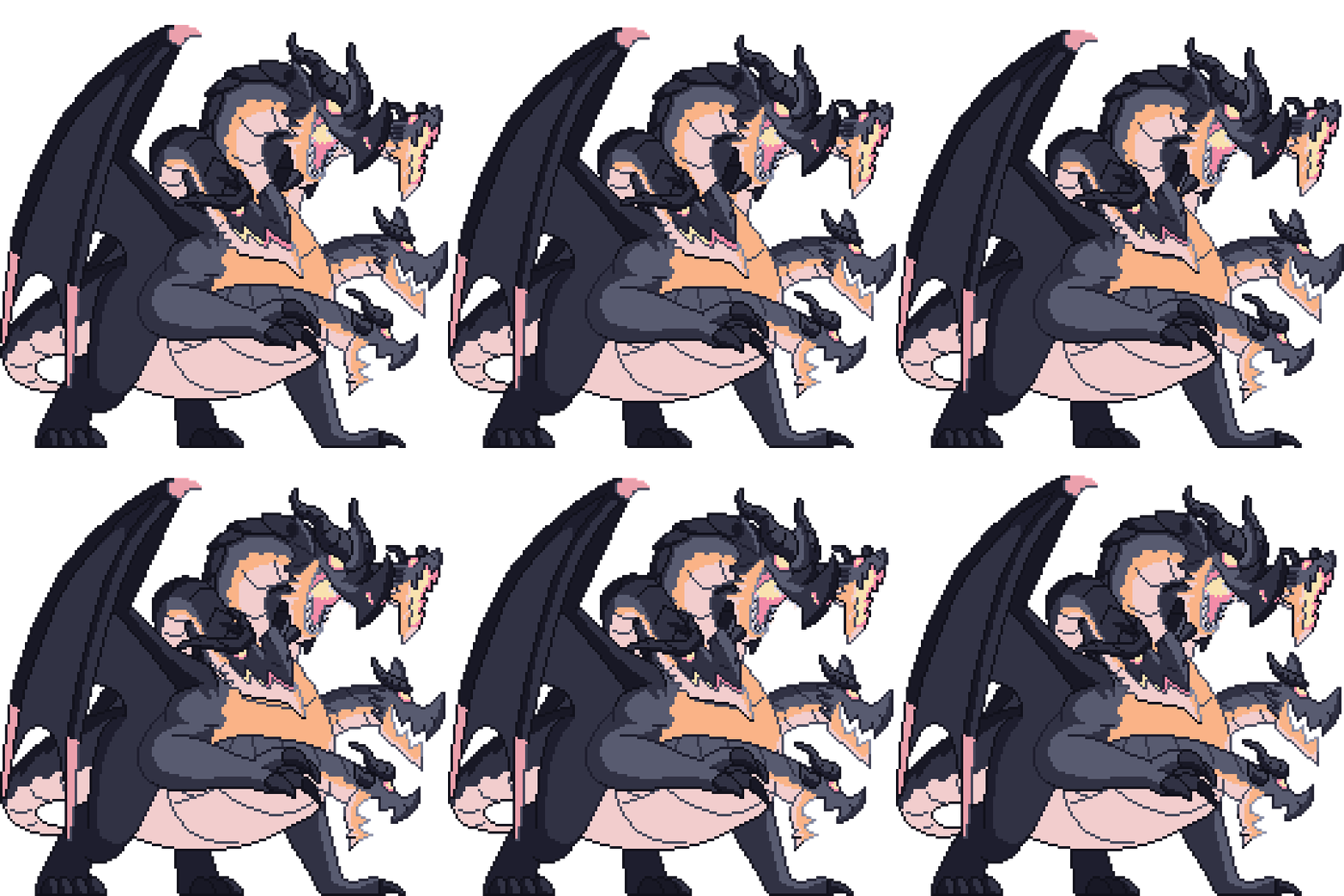
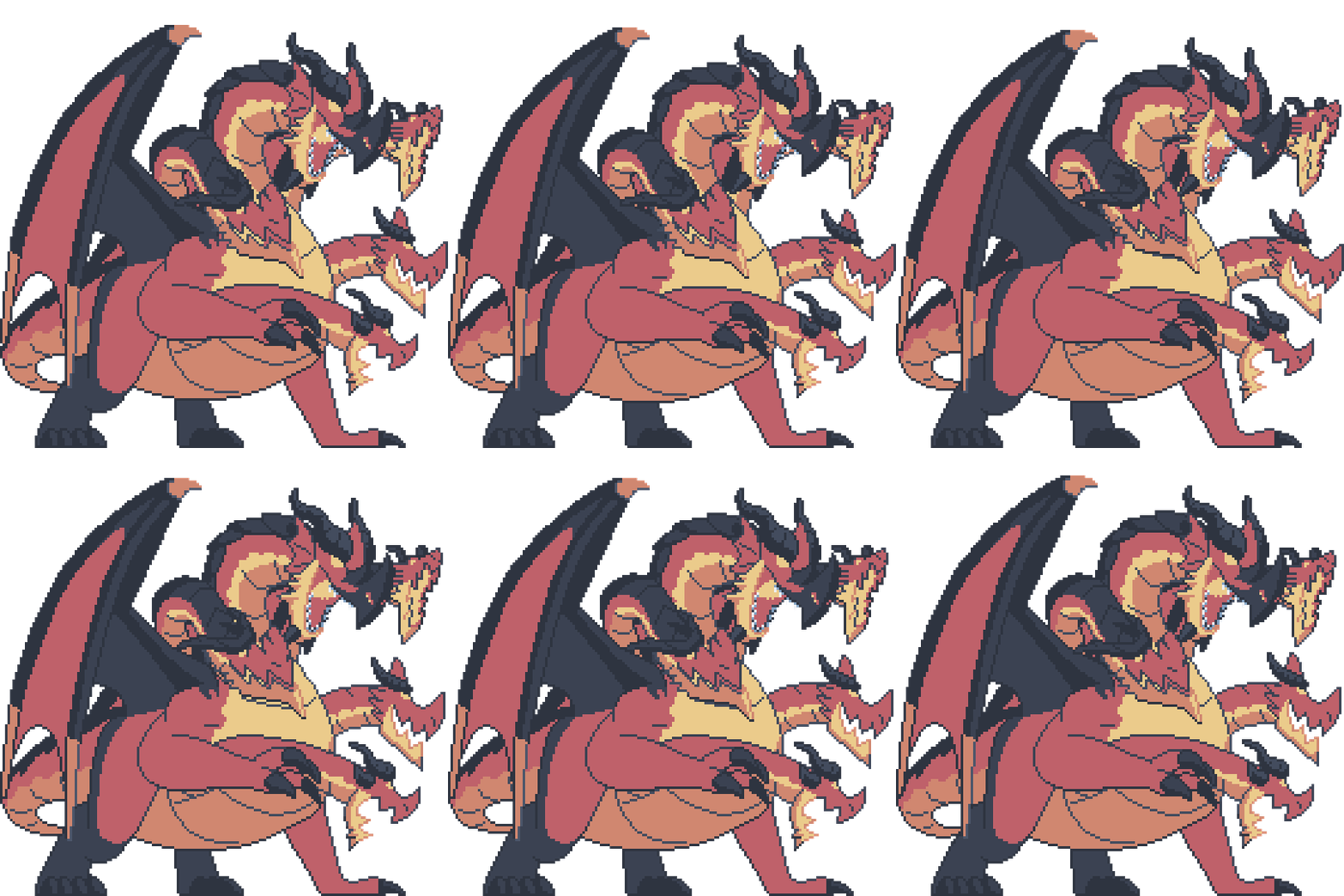
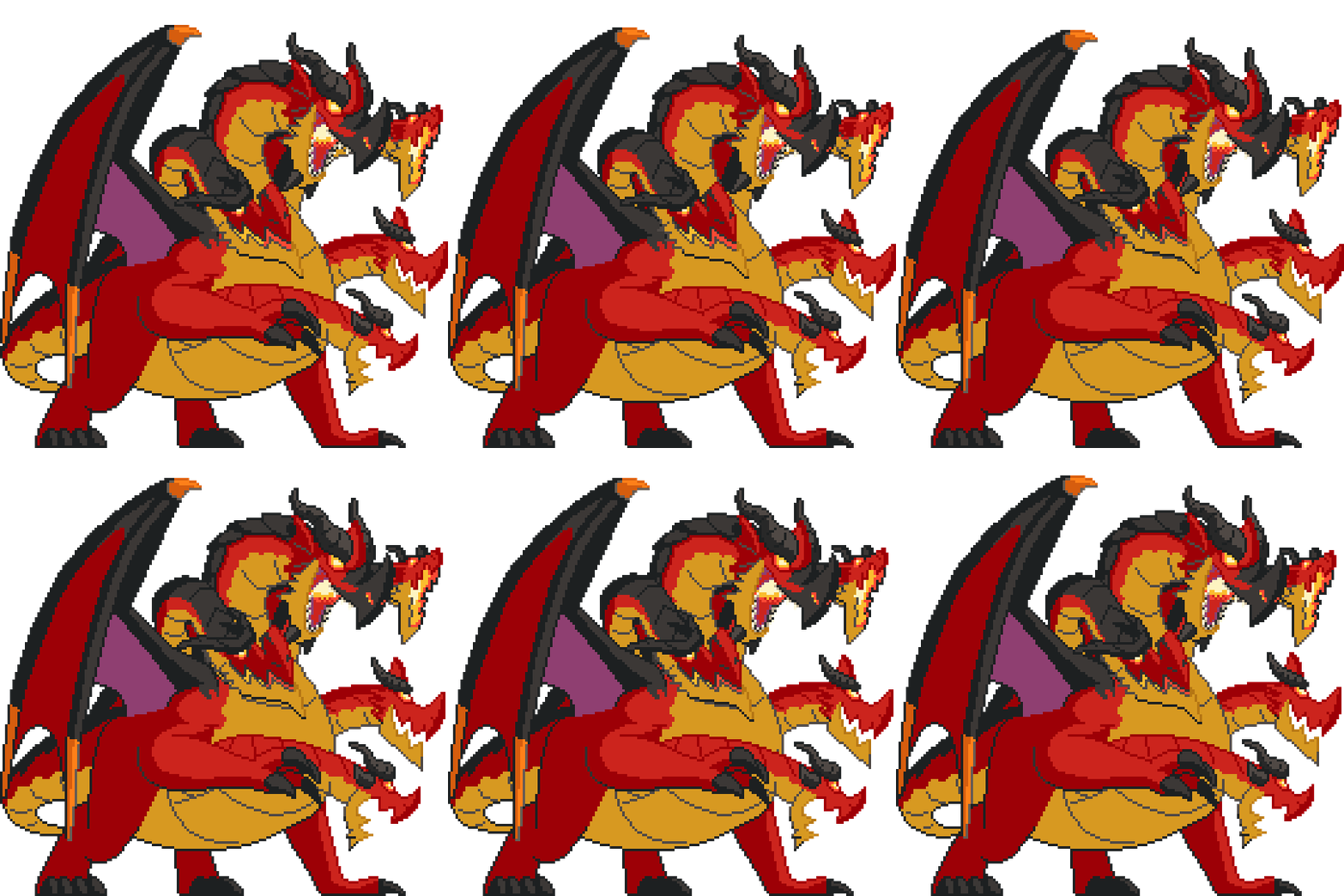
GIF Pixel Art
Original artwork by lgarabato
| Original | Catppuccin | Dracula | Nord | Gruvbox |
|---|---|---|---|---|
 |  |  |  |  |
Installation
[!NOTE] Unfinished
macOS:
brew tap arrowpc/palettum
brew install palettum
If your system/package manager wasn't listed, you can install the precompiled binary from releases.
Building the Project
If you want to build the project from source, follow these steps:
CLI
To build the command-line interface (CLI) tool, run the following Cargo command from the project root:
cargo build -p cli
The executable will be located in the target/debug/ directory (or target/release/ if you add the --release flag).
Web App
The web application uses a WebAssembly module compiled from Rust code.
[!IMPORTANT] It is highly recommended to use
rustupfor managing Rust toolchains rather than a system-wide installation. This helps avoid potential issues, especially when compiling forwasm32-unknown-unknowntargets.
To set up and run the web application:
Navigate to the web frontend:
cd webInstall dependencies:
bun installCompile the WASM binary (release mode):
bun run wasm:build:releaseRun the development server:
bun run dev
Self-Hosting with Docker
To build and run the web application using Docker:
Build the Docker image:
docker build -t palettum .Run the Docker container:
docker run -p 80:80 palettumThe web application will then be accessible in your browser at
http://localhost
References
- The main color difference formula (CIEDE2000) was implemented through the help of this paper: https://hajim.rochester.edu/ece/sites/gsharma/ciede2000/ciede2000noteCRNA.pdf. The rest were easy to implement through the color difference wiki: https://en.wikipedia.org/wiki/Color_difference.
- The fast trig approximation functions were inspired/taken from:
- atan / atan2: https://mazzo.li/posts/vectorized-atan2.html
- sin: Basic taylor series https://en.wikipedia.org/wiki/Taylor_series
- cos: https://github.com/milianw/cosine/tree/parabola-approx
- exp: https://stackoverflow.com/questions/47025373/fastest-implementation-of-the-natural-exponential-function-using-sse
- Smoothing was done with basic L* a* b* interpolation using:
- Palette extraction (adjusted for L* a* b colorspace): https://www.ece.mcmaster.ca/~xwu/cq.c