NAME
pomo — Customizable TUI Pomodoro timer with ASCII art, progress bar, desktop notifications, and productivity statistics.
SYNOPSIS
go install github.com/Bahaaio/pomo@latestINFO
DESCRIPTION
Customizable TUI Pomodoro timer with ASCII art, progress bar, desktop notifications, and productivity statistics.
README
pomo — Terminal Pomodoro Timer
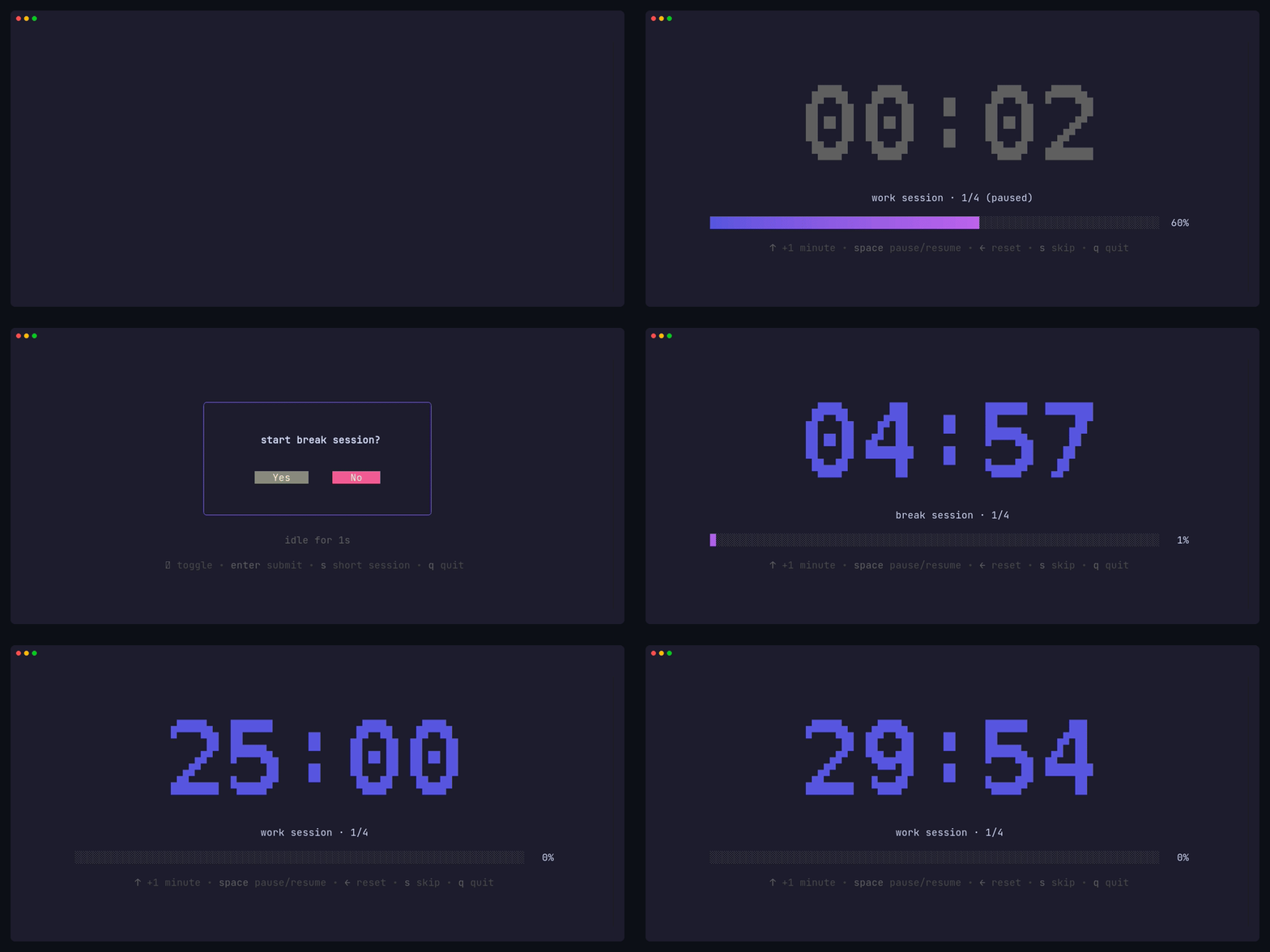


A simple, customizable Pomodoro timer for your terminal, built with Bubble Tea.
Features
- 🍅 Work and break timer sessions
- 🔄 Pomodoro cycles with long break
- 🔗 Task chaining with user confirmation prompts
- 📊 Real-time progress bar visualization
- ⌨️ Keyboard shortcuts to adjust time mid-session
- ⏸️ Pause and resume sessions
- ⏭️ Skip to next session
- 🔔 Cross-platform desktop notifications
- 🎨 Clean, minimal terminal UI with ASCII art timer fonts
- 🛠️ Custom commands when timers complete
Statistics
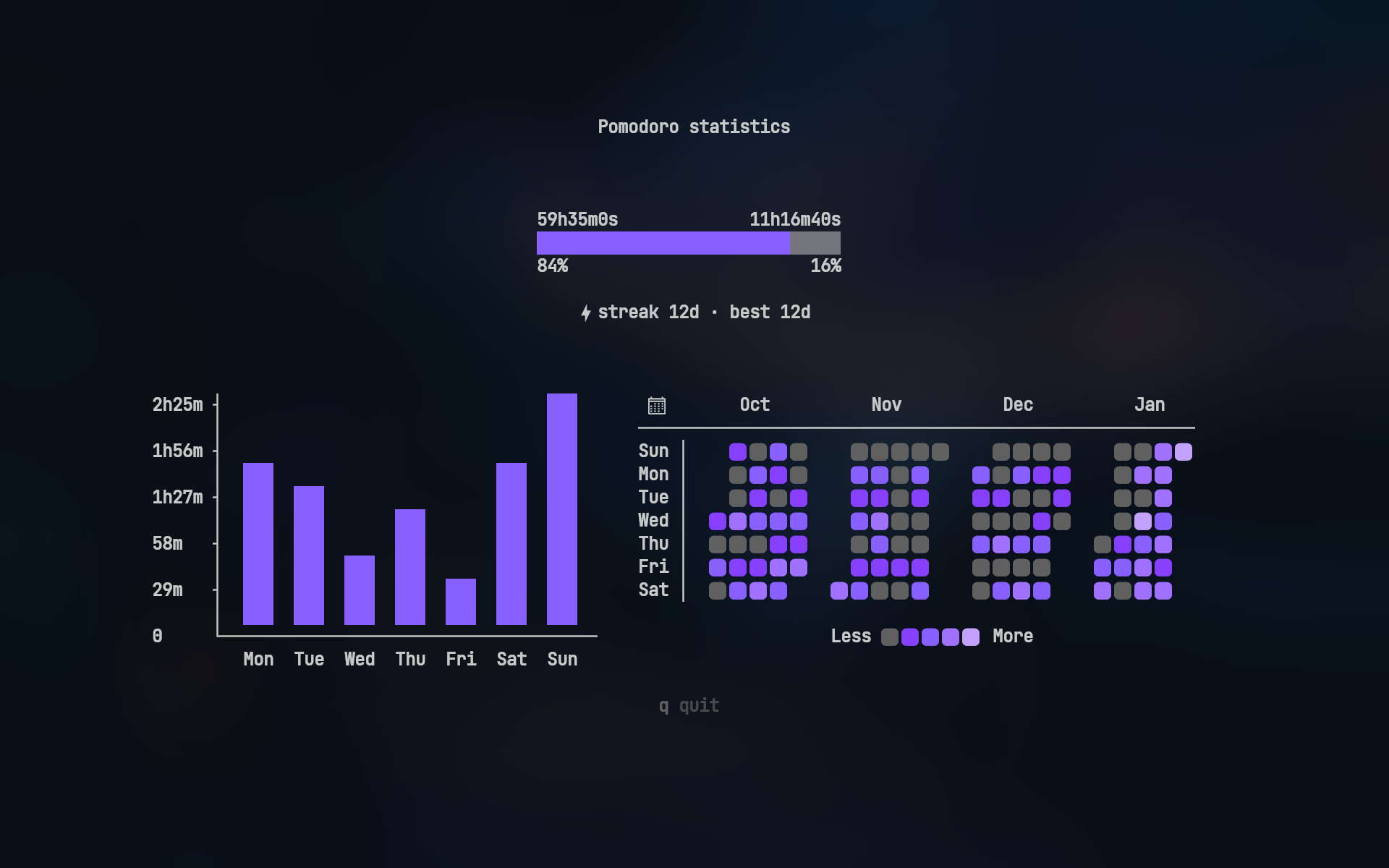
Track your productivity with pomo stats:
- Duration ratio — total work vs break time
- Weekly bar chart — daily work hours for the past 7 days
- 4-month heatmap — GitHub-style activity visualization
Heatmap icons require a Nerd Font
Desktop Notifications
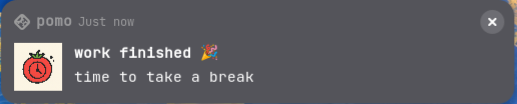
pomo sends native desktop notifications when sessions complete
🔔 View notification examples
Linux (GNOME)
Windows
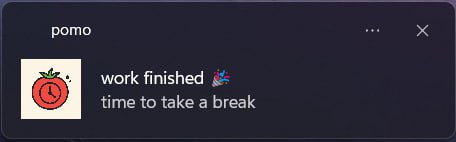
Note: Actual notification appearance varies by operating system and desktop environment
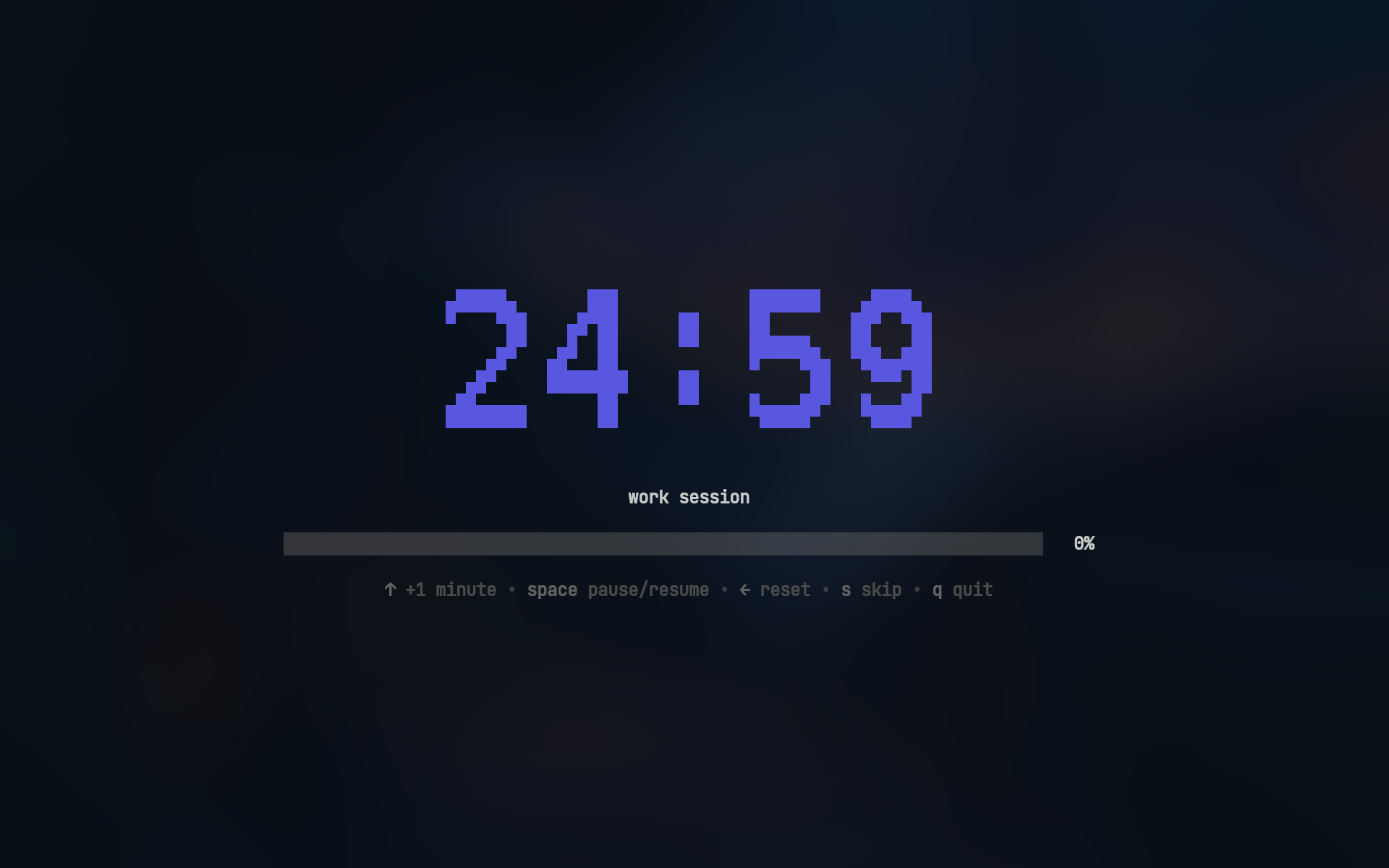
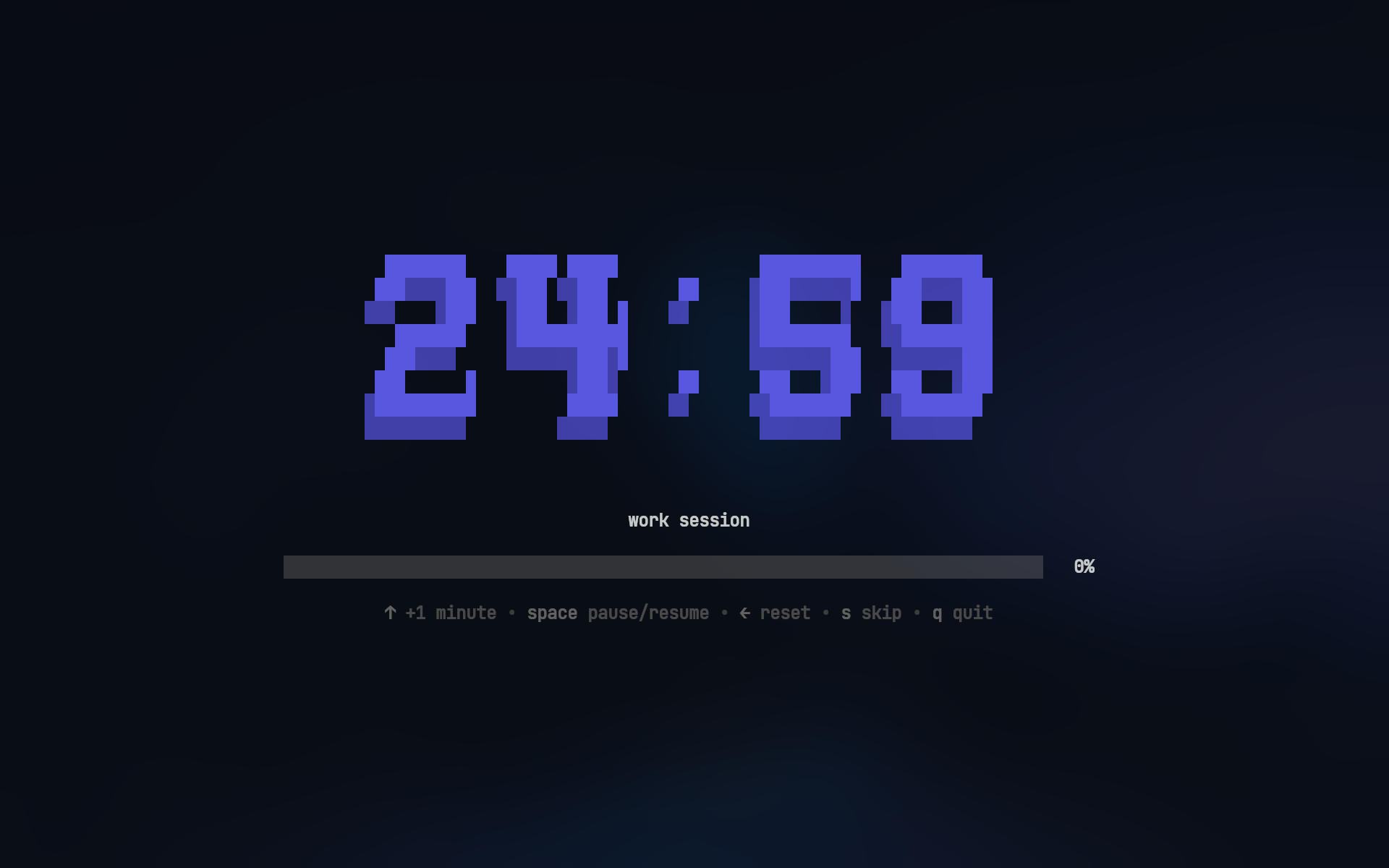
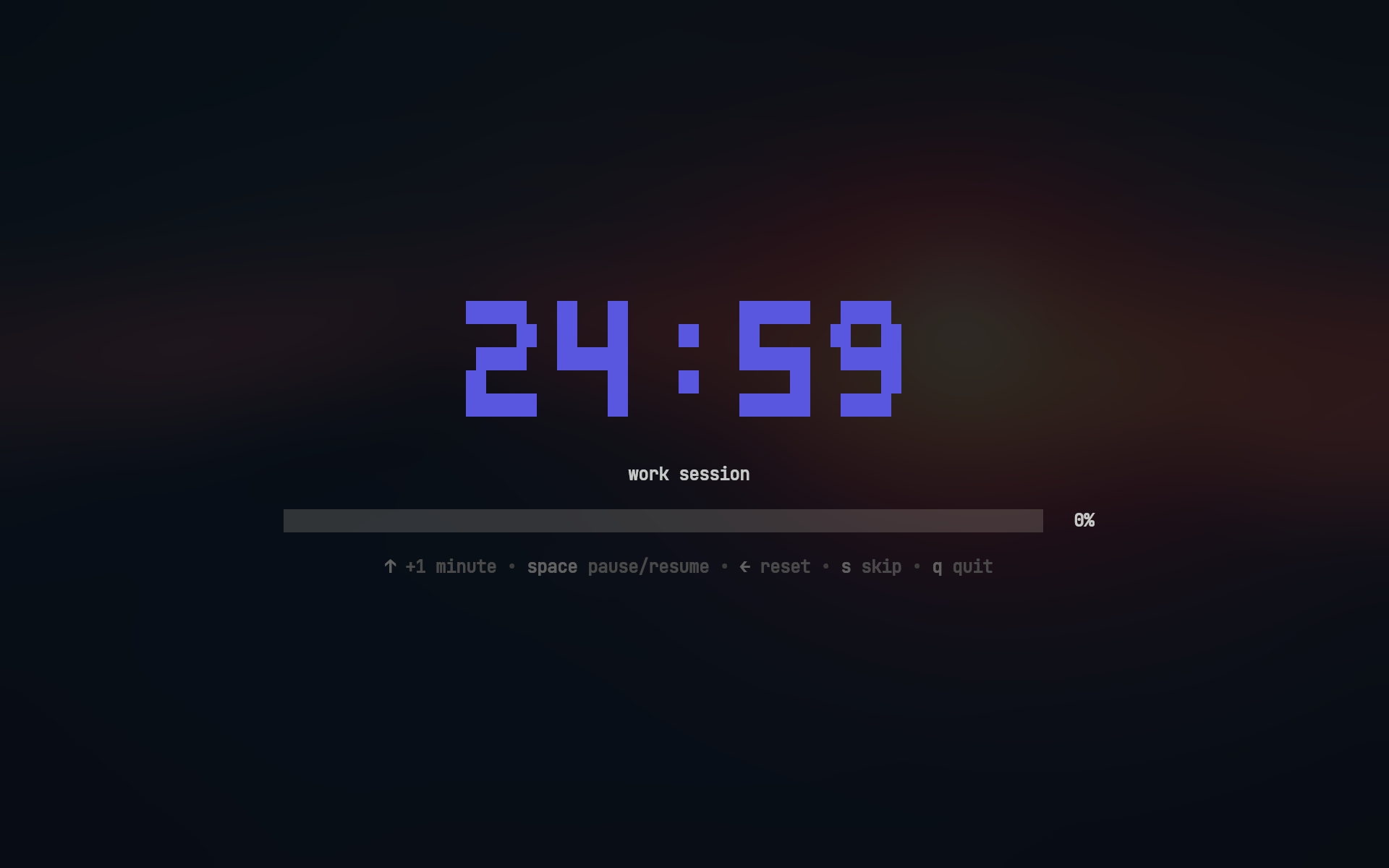
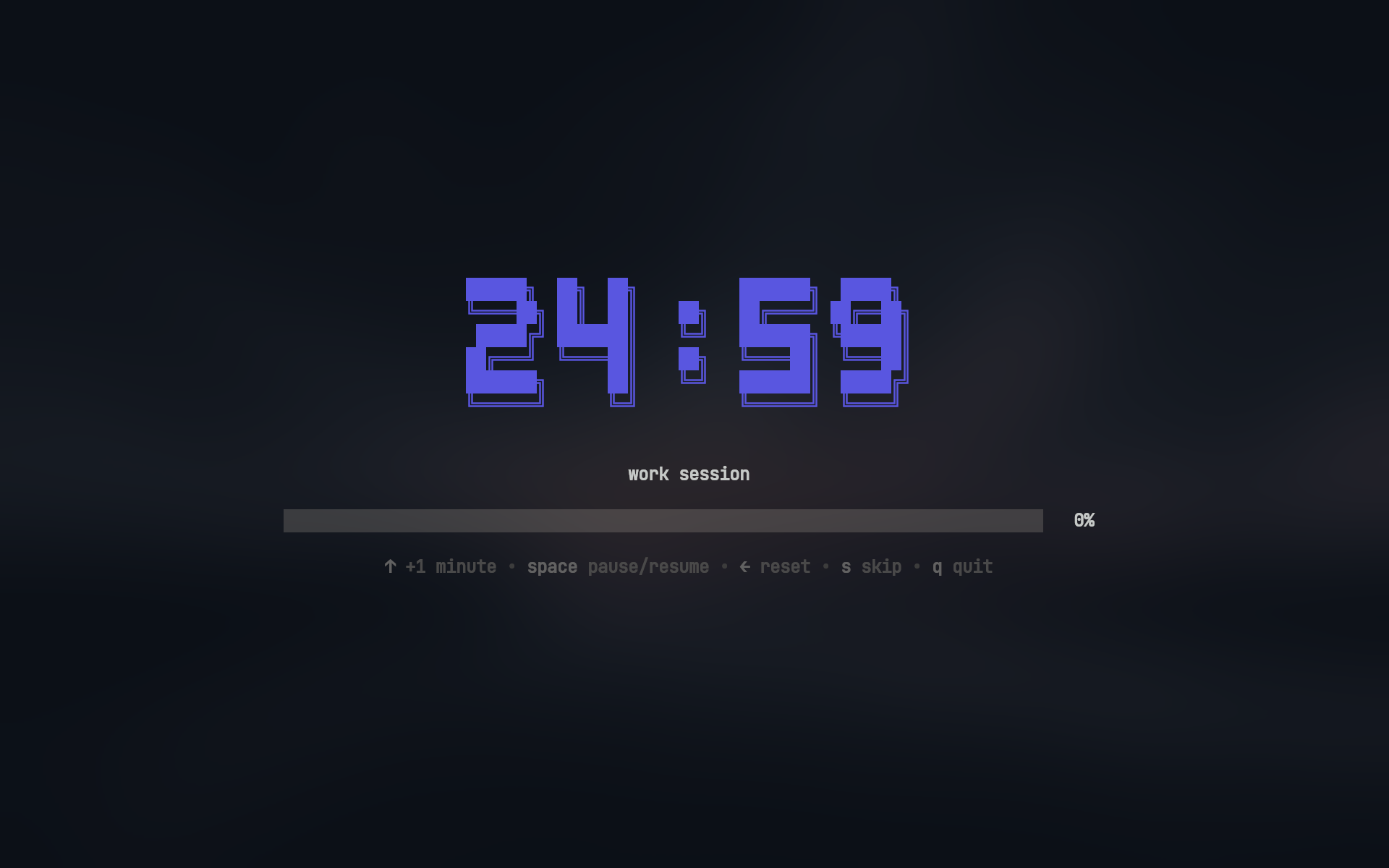
Timer Fonts
| mono12 | rebel |
|---|---|
 |  |
| ansi | ansiShadow |
 |  |
Usage
Work sessions:
pomo              # work session
pomo 30m          # 30m work session
pomo 45m 15m      # 45m work with 15m break
Break sessions:
pomo break        # break session
pomo break 10m    # 10m break session
View statistics:
pomo stats # View your productivity stats
Installation
Homebrew (macOS)
brew install --cask bahaaio/pomo/pomo
Winget (Windows)
winget install Bahaaio.pomo
Go
go install github.com/Bahaaio/pomo@latest
Build from Source
git clone https://github.com/Bahaaio/pomo
cd pomo
go build .
Pre-built Binaries
Download pre-built binaries from the releases page.
Configuration
📁 Config file search order
pomo looks for its config file in the following order:
- Current directory:
pomo.yaml(highest priority) - System config directory:
- Linux/macOS:
~/.config/pomo/pomo.yaml - Windows:
%APPDATA%\pomo\pomo.yaml
- Linux/macOS:
- Built-in defaults if no config file is found
Example pomo.yaml:
# action to take after session completion # options: "ask" | "start" | "quit" onSessionEnd: "ask"asciiArt:
use ASCII art for timer display
enabled: true
available fonts: "mono12" | "rebel" | "ansi" | "ansiShadow"
default: mono12
font: ansiShadow
color of the ASCII art timer
hex color or "none"
color: "#5A56E0"
work: duration: 25m title: work session
cross-platform notifications
notification: enabled: true urgent: true # persistent notification with alert sound (platform-dependent) title: work finished 🎉 message: time to take a break icon: ~/my/icon.png
break: duration: 5m
will run after the session ends
then: - [spd-say, "Back to work!"]
longBreak:
enable long break after a certain number of work sessions
enabled: true
number of work sessions before long break
after: 4
long break duration
duration: 15m
Check out pomo.yaml for a full example with all options.
Sound Notifications
You can play sounds when sessions complete by running commands in the then section.
work:
  then:
    - [paplay, ~/sounds/work-done.mp3] # Linux
    # - [afplay, ~/sounds/work-done.mp3] # macOS
    # - [powershell, start, work-done.mp3] # Windows
Commands run with a 5 second timeout and are automatically cancelled when starting the next session.
Key Bindings
Timer Controls
| Key | Action |
|---|---|
↑ / k | Increase time by 1 minute |
Space | Pause/Resume timer |
← / h | Reset to initial duration |
s | Skip to next session |
q / Ctrl+C | Quit |
Skip button skips directly to the next session, bypassing any prompts
Confirmation Dialog
| Key | Action |
|---|---|
y | Confirm (Yes) |
n | Cancel (No) |
s | Start short session (2 minutes) |
Tab | Toggle selection |
Enter | Submit choice |
q / Ctrl+C | Quit |
Short sessions extend the current session by 2 minutes, useful when you need a bit more time
License
This project is licensed under the MIT License. See the LICENSE file for details.